What is Juku
Classes with a Sensei, and how the app grades.
1 min read
A Juku is a class inside TanoshiGo, run by a Sensei.
Your Sensei sets goals and cheers you on. You keep studying as usual, and the app checks whether the goals are met.
Joining a class doesn't change or remove your progress. It stays with your account.
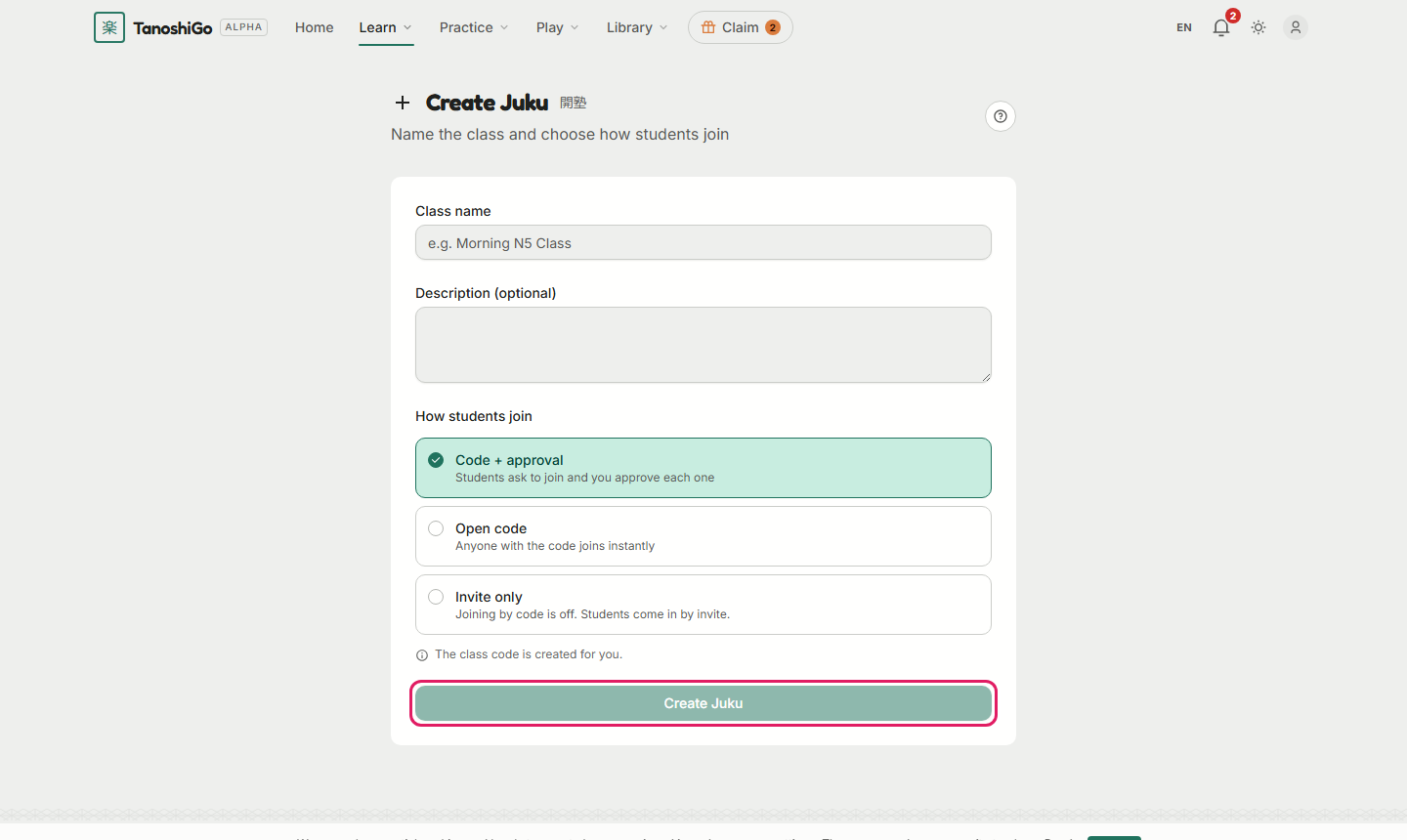
- As a verified Sensei, open Juku and click Create Juku.
- Fill in the name and pick how students join.
- Click Create Juku. You are taken to the class page.
- Share the class code at the top of the class page with your students.
Was this helpful?