Blocked users and safety
Your block list and how moderation works.
1 min read
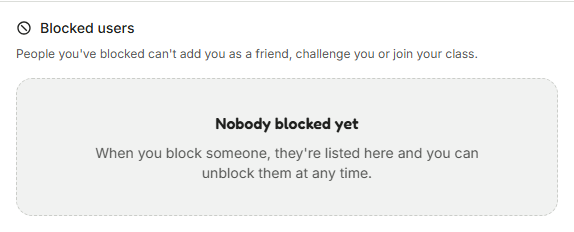
The people you've blocked are listed in Settings, under Privacy.
A block cuts contact between you and that person. Moderation handles rule-breaking across TanoshiGo.
- Your friendship ends, and friend requests and challenges between you are refused both ways.
- Neither of you can join a Juku class the other is in.
- A block is yours alone and works at once. Lifting it in Settings doesn't bring the friendship back.
Reporting a problem
To block or report someone, open the menu beside their name on their profile, in your friends list or on a match result. The person you block isn't told. A report reaches a moderator, who replies in your feedback history and can warn, suspend or ban the account.
Moderation is matched to what happened, from a warning to a temporary suspension to a full ban.
Was this helpful?